larserik
- Jan Vandeweyer wrote:
I love this one, except for the purple knobs:Thanks.
philter
coming soon....
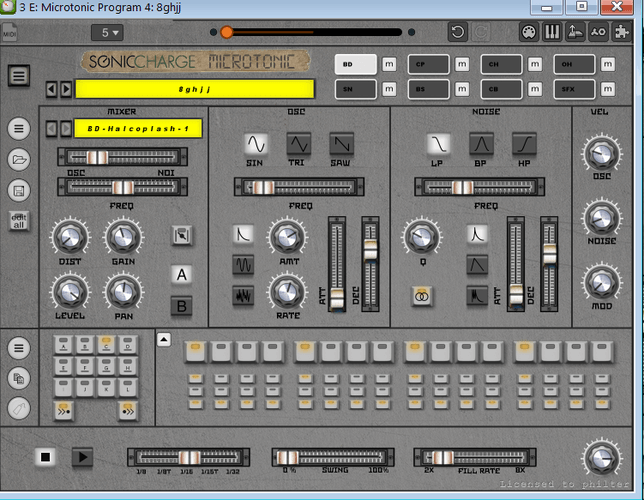
philter
it would be a banger when you can select individual skins when using multiple microtonic instances. allthough the instances CAN have individual zoom settings, they unfortunately can not have individual skins....
EDIT: found a small workaround for this: if you load eg 2 instances of microtonic and select a skin in one of them, BOTH instances changes skin, BUT if you now go in the skin folder of the selected skin, replace some image files (eg background_x2.png) with other ones. then open the skin chooser in one of the instances, right click and "refresh". now this instance will refresh and use the new image files while the other instance still uses the old files/the old skin :).
Jan Vandeweyer
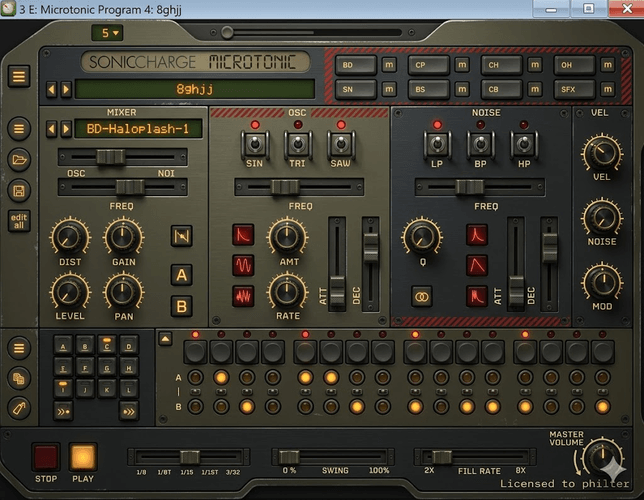
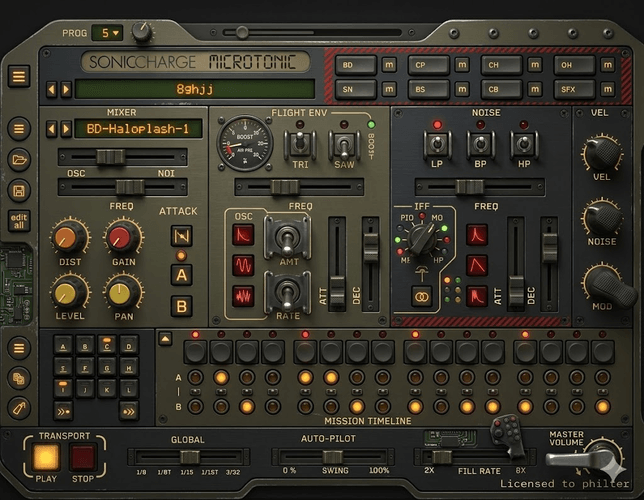
I used your last posted image to create this one :)
philter
- Jan Vandeweyer wrote:
I used your last posted image to create this one :)yeah they look nice, but the hard truth is in the end all the AI generated images or edits are either not usable or require a good amount of manual editing later till they fit. that at least my expierience.
Jan Vandeweyer
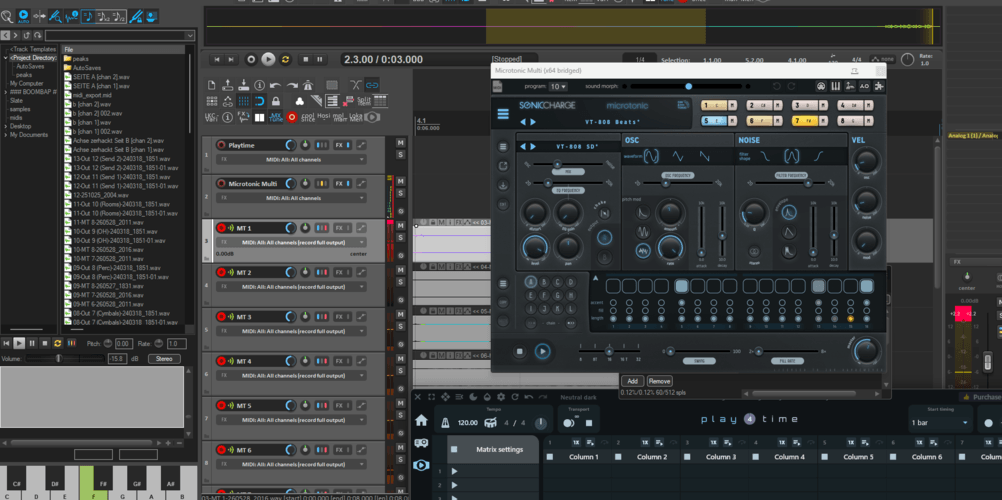
That is true :) But for me, I always use the same skin and I don't feel the need to change that:
Neil Mitchell-Goodson
- JBDS1 wrote:
Gimini AiI know this is a mock up, but damn it's tasty.
larserik
Here's the "Tonica mk2c" skin, a new revision of the tonica mk2.
Changes to previous version is:
- updated knob colors (green replaces purple)
- preset, patch and pattern labels
- new skin logo
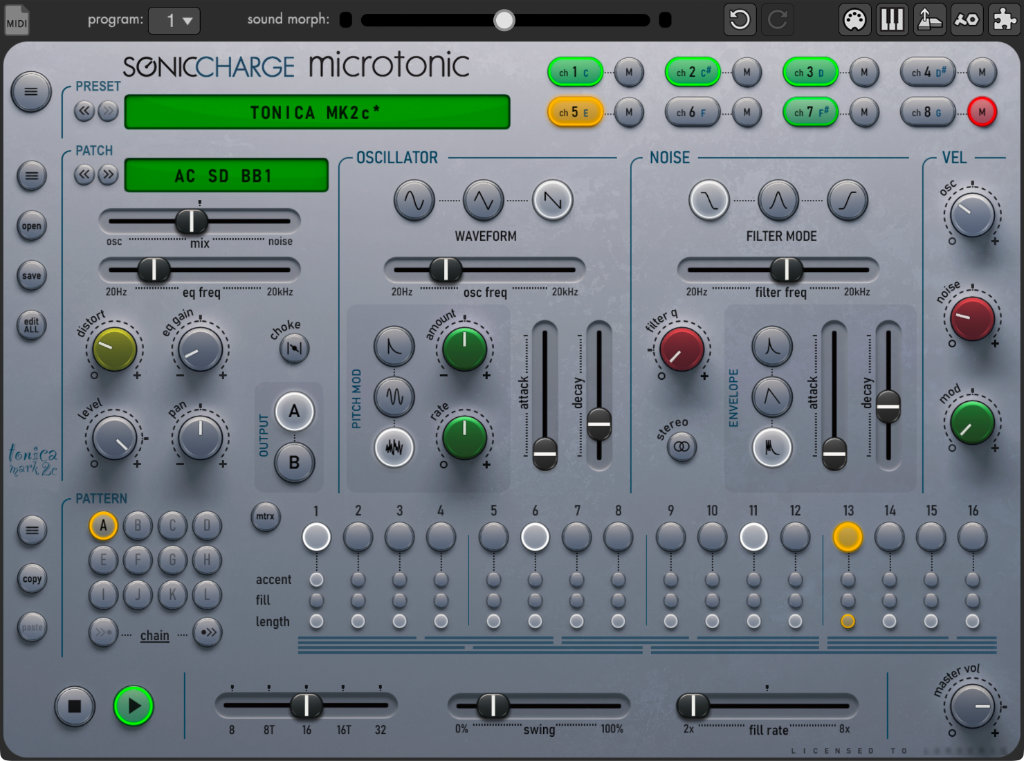
Download here:
https://l4rs3rik.github.io/microtonic/AAV
Very nice Larserik! Looks great! Thanks so much for sharing!
Jan Vandeweyer
Good one!
larserik
- AAV wrote:
Very nice Larserik! Looks great! Thanks so much for sharing!- Jan Vandeweyer wrote:
Good one!Thanks!
Jan Vandeweyer
Where do I drop it to make it visible in Microtonic?
philter
this might sound like a dumb question but has somebody figured out the intended purpose of each single frame of the whitetoblue/bluetogreenglasseggs_x2?
Fredrik Lidström
- philter wrote:
this might sound like a dumb question but has somebody figured out the intended purpose of each single frame of the whitetoblue/bluetogreenglasseggs_x2?White to blue is when you toggle a pattern step.
Blue to green is when the pattern plays to indicate the step marker.philter
- Fredrik Lidström wrote:
- philter wrote:
White to blue is when you toggle a pattern step.
this might sound like a dumb question but has somebody figured out the intended purpose of each single frame of the whitetoblue/bluetogreenglasseggs_x2?
Blue to green is when the pattern plays to indicate the step marker.thx frederik, but luckily i found the microtonic assets role.md file online and solved the problem. tbh, i was looking for a description of all mouse interaction states of 8-frame images, which ich:
Off-Up, Off-Hover, Off-Down, Off-Disabled, On-Up, On-Hover, On-Down, On-Disabled
You need to be signed in to post a reply